Notifications
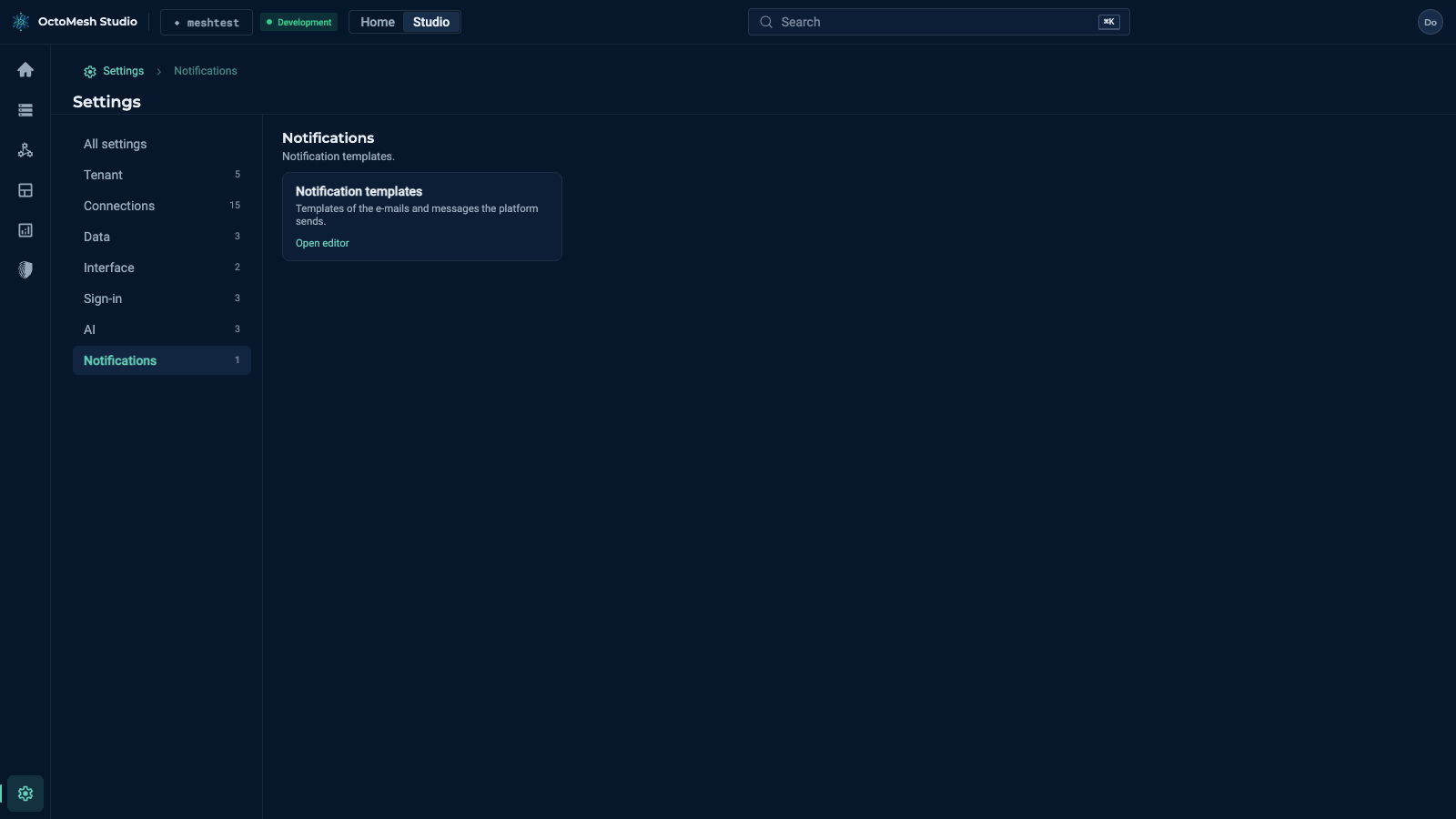
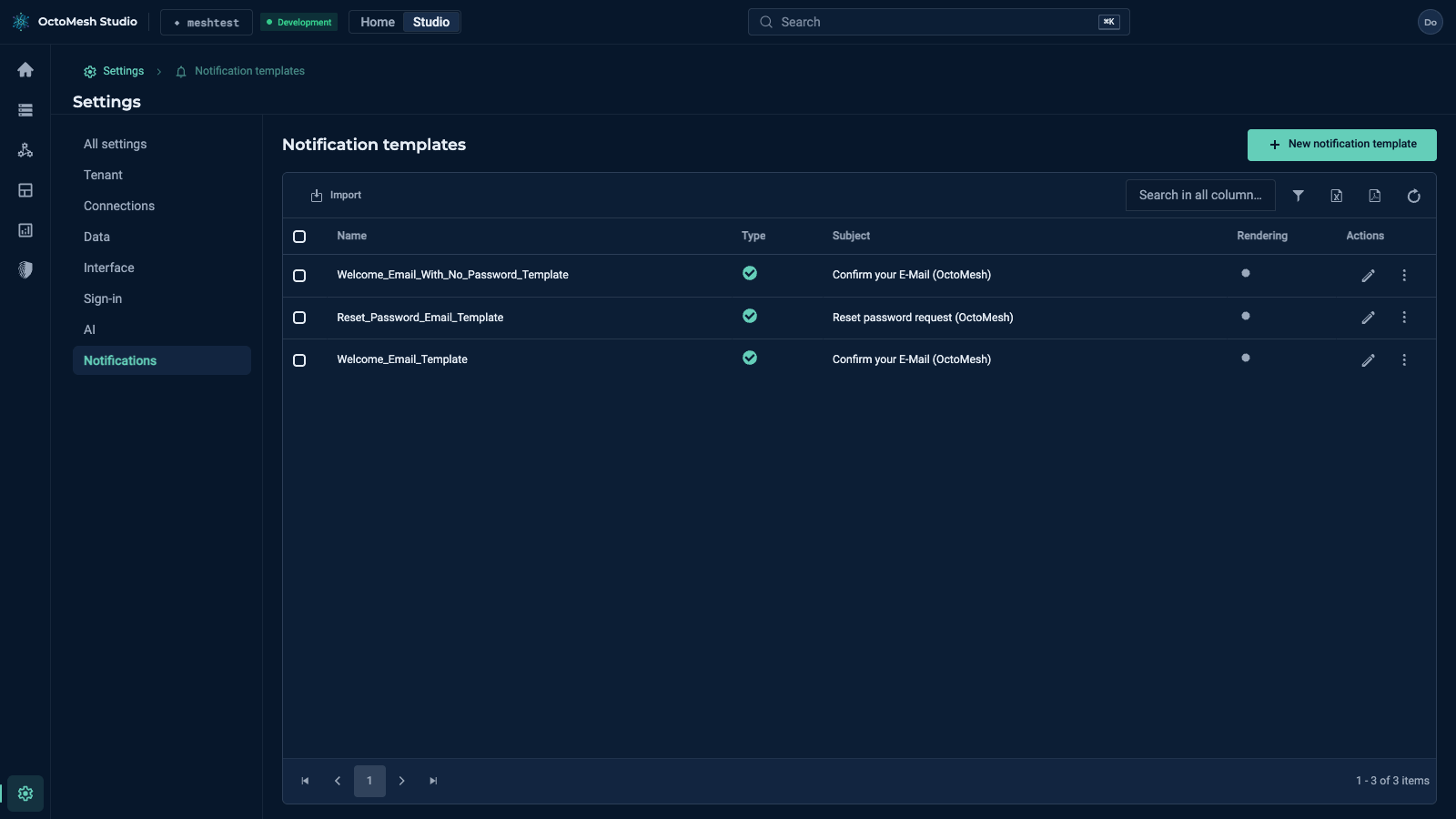
Settings > Notifications has one card, Notification templates: the templates of the e-mails and messages that the platform sends (for example the welcome mail and the password reset mail of the identity service). The list has the columns Name, Type, Subject, Rendering and Actions, and the buttons New notification template and Import. A new tenant has three templates (Welcome_Email_Template, Welcome_Email_With_No_Password_Template, Reset_Password_Email_Template).
Templates may contain placeholders that the platform fills when it sends the message.