Data
Settings > Data has three cards; each opens with Open editor.
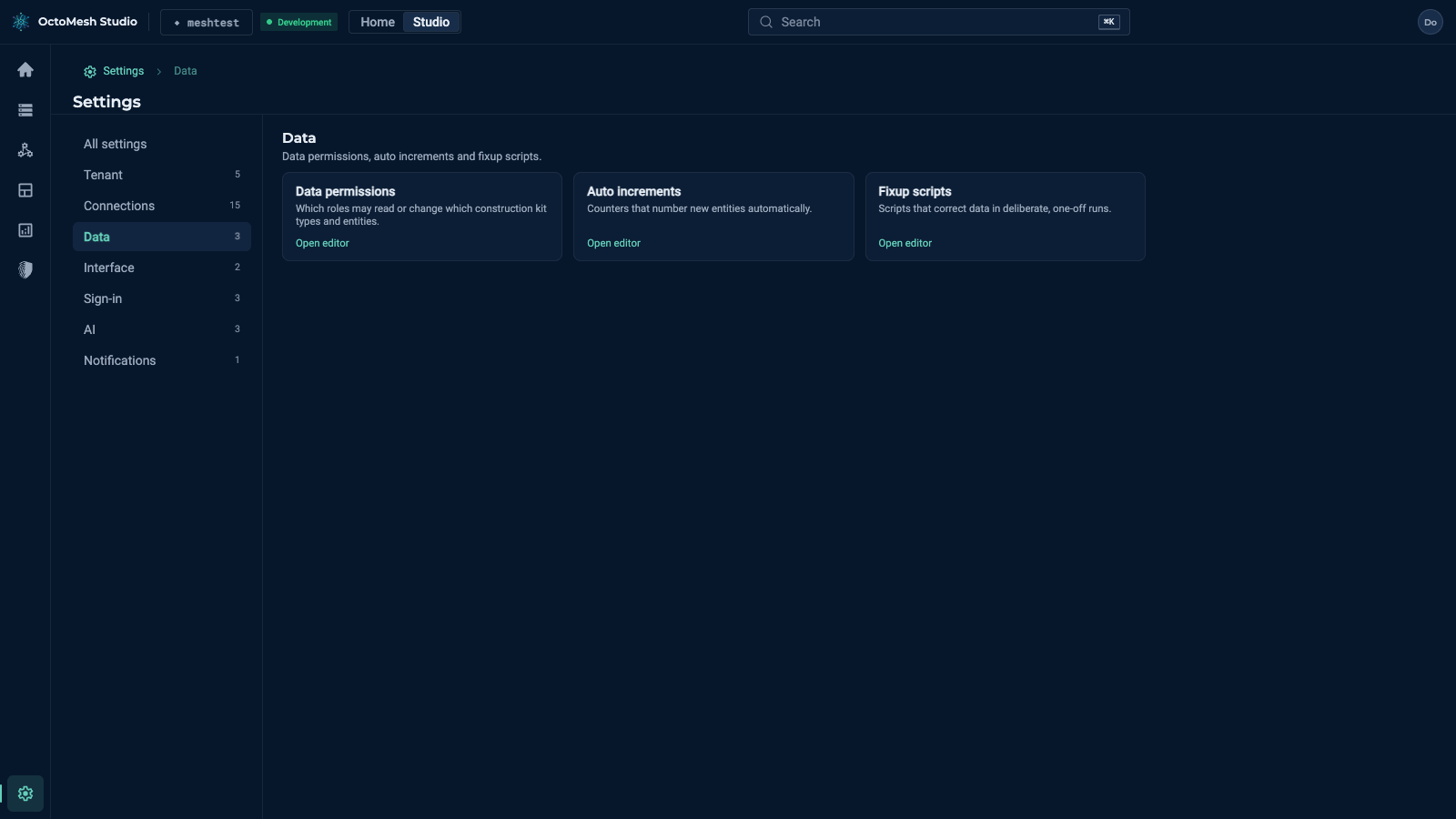
| Card | What it is |
|---|---|
| Data permissions | Which roles may read or change which Construction Kit types and entities. The list shows Permission Id (for example identity.administration, files.read), Description, Granted To (roles), Policies (for example "1 type(s) · Read · All · Enforce") and Actions; toolbar New data permission, Access preview and Import. |
| Auto increments | Counters that number new entities automatically. Columns Name, Current Value, Format, End; toolbar New auto increment. |
| Fixup scripts | Scripts that correct data in deliberate, one-off runs. Columns Name, Enabled, Success, Applied, Applied At, Order; toolbar New fixup script and Run scripts ("No fixup scripts to run" when nothing is pending). |
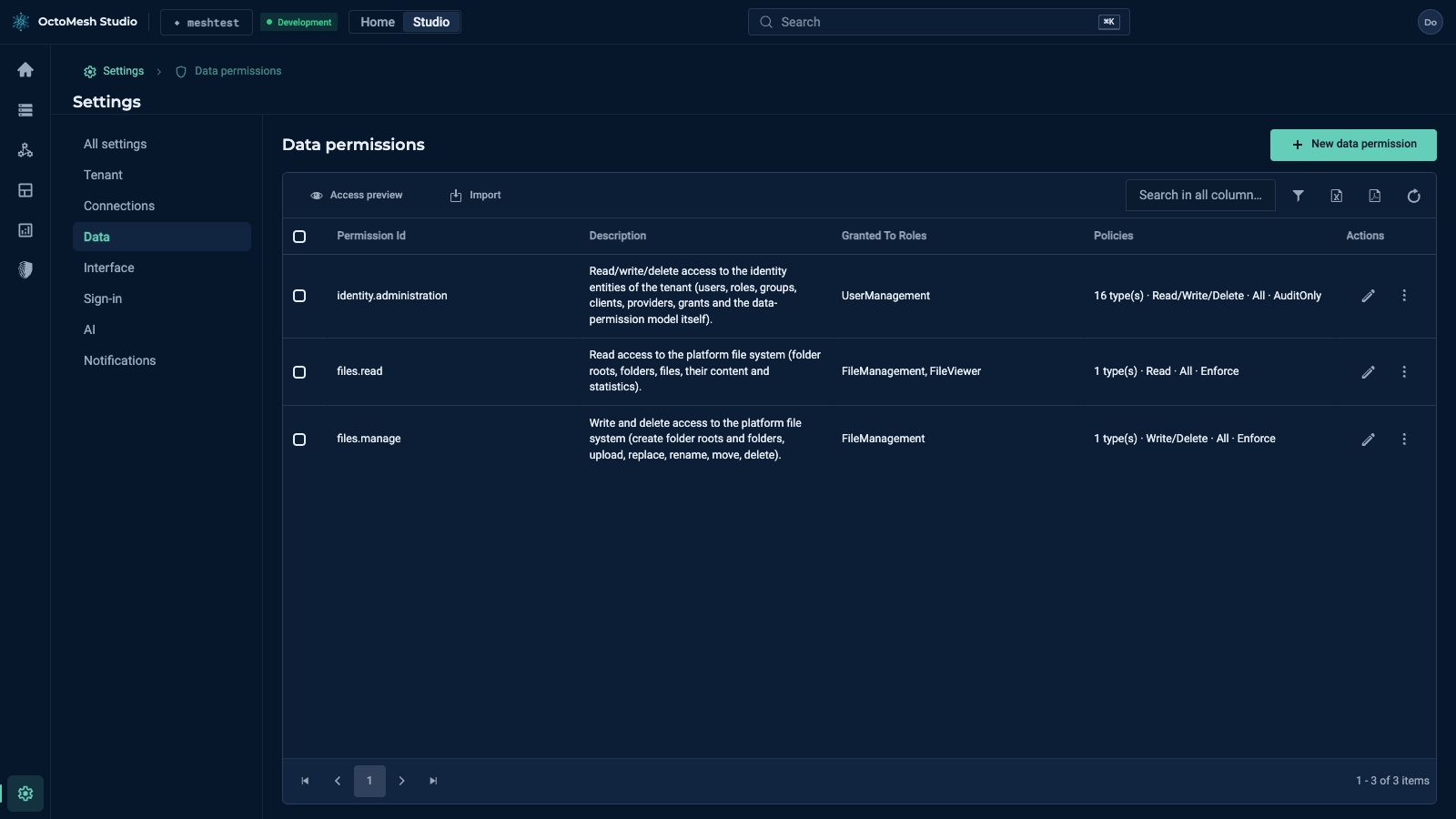
Required roles, as the Studio's navigation source gates them: Data permissions needs UserManagement; Auto increments and Fixup scripts need AdminPanelManagement. The policy mode (Enforce or AuditOnly) decides whether a policy is applied or only logged.
A role needs the Read action on a type to update, replace or delete its existing entities: changing an entity requires being able to see it, and an entity the caller cannot see is treated as not found. Grant Read together with Write and Delete (see Data permissions).
More
Auto increment and Fixup scripts in the Technology Guide.