Interface
Settings > Interface has two cards.
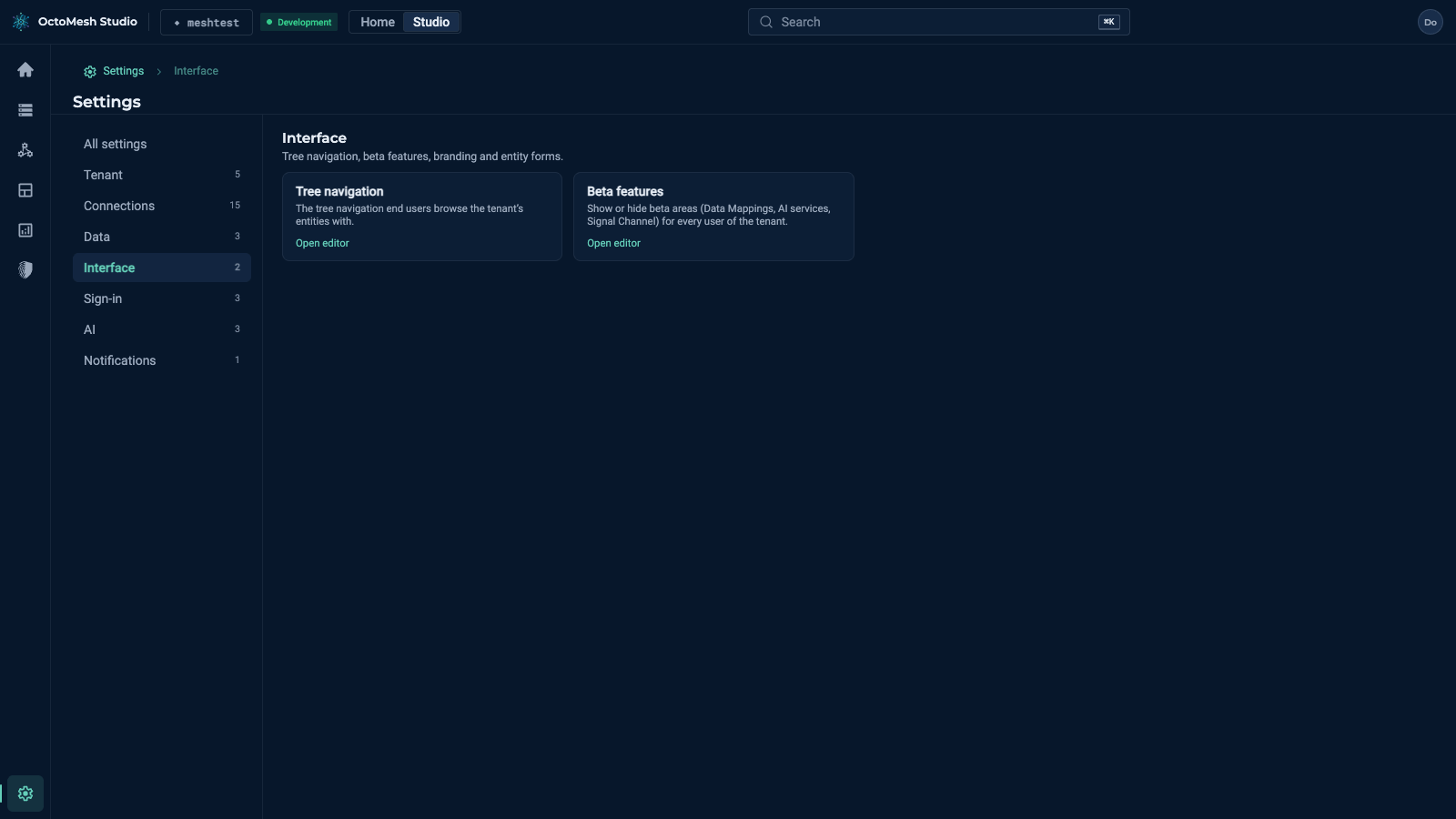
Tree navigation
Settings > Interface > Tree navigation sets the tree navigation that users browse the entities of the tenant with. Rules adjust the entity trees (the Explorer and the Data mappings page): without any rule an association is shown with its default name and grouped. The page has Add rule, Export, Import and Save, and a part for Tree perspectives: switchable tree roots offered next to the built-in spatial perspective.
Beta features
Settings > Interface > Beta features shows or hides the beta areas for every user of the tenant: rail, Settings, search and direct links. Nothing is deleted or switched off on the server.
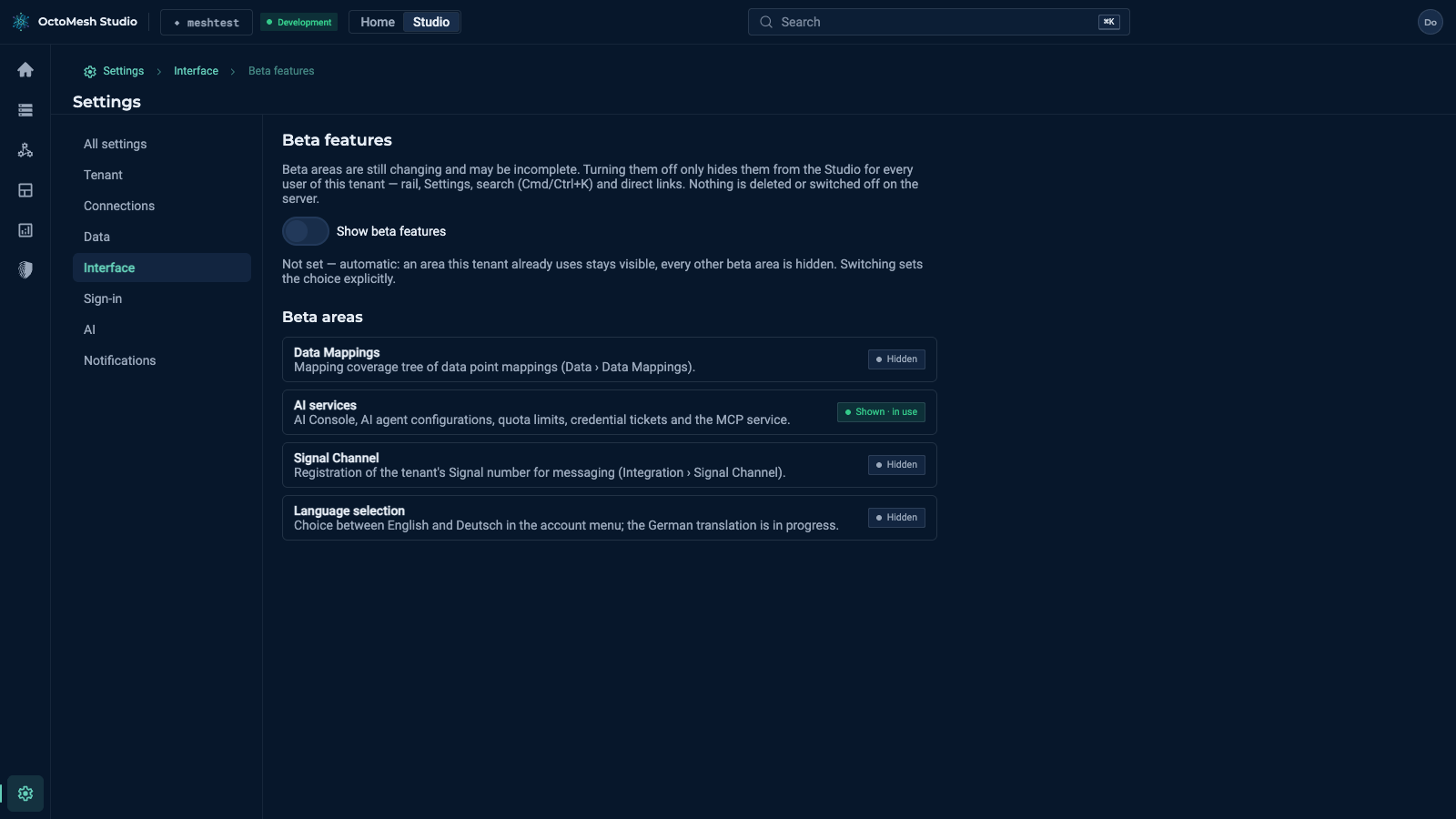
- The switch Show beta features has three states: Not set — automatic (an area the tenant already uses stays visible, every other beta area is hidden), Set explicitly to show and Set explicitly to hide. Use automatic detection returns to Not set.
- Beta areas lists Data Mappings, AI services, Signal Channel and Language selection, each Shown or Hidden (in use when the tenant already uses it).
A hidden area opens the page "Beta feature turned off" with a link to this setting.